Router Setup Guide
Setting up your internet is simple. Follow the steps below based on the type of router you are using.
If You Are Using Your Own Router (Personal Router)
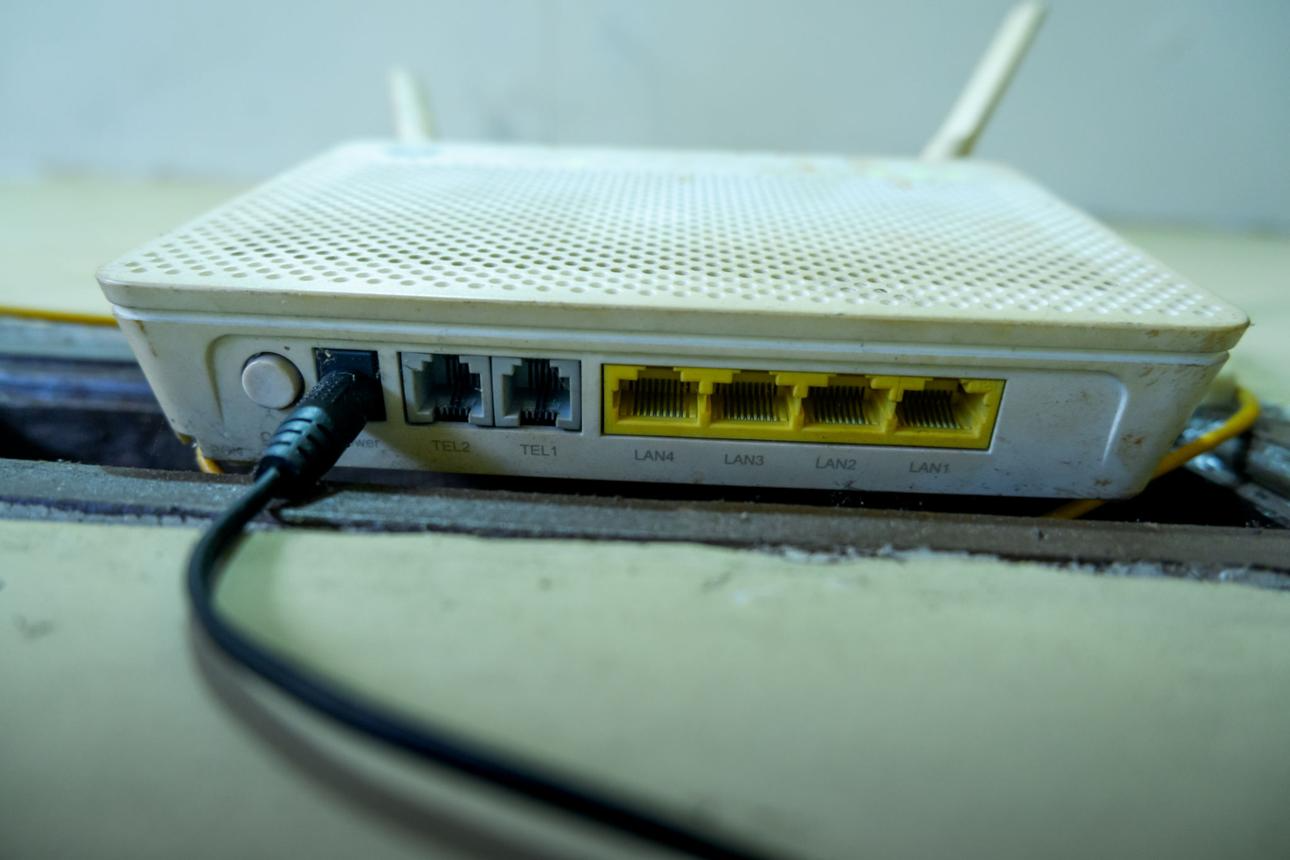
- Plug in your router
Make sure it is powered on and connected to the wall Ethernet port. - Connect to your Wi-Fi
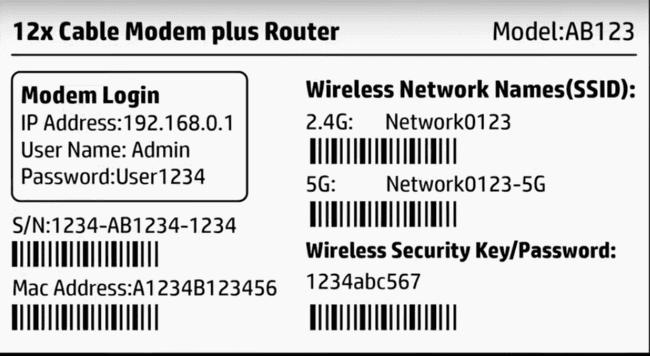
Use the default Wi-Fi name and password listed on your router. - Open a web browser
You may be redirected automatically. If not, go to:
login.smartaira.net - Sign in to your account
This links your router to your account and activates your service. - Restart your router
Once it comes back online, your internet should be ready to use.
If You Are Using a Smartaira Router (Deco Unit)
Do not go to login.smartaira.net for this setup.
4
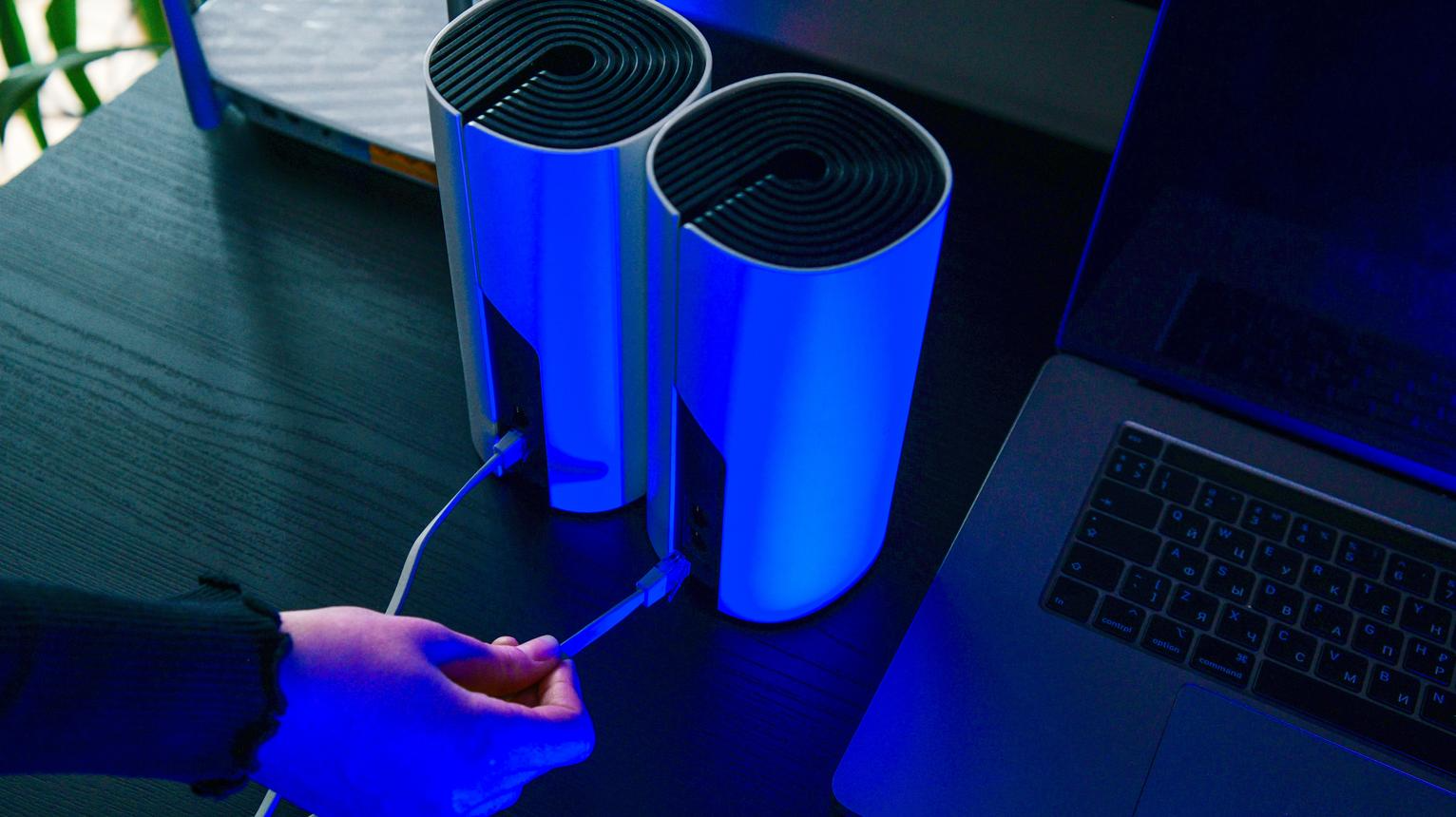
- Plug in your Deco router
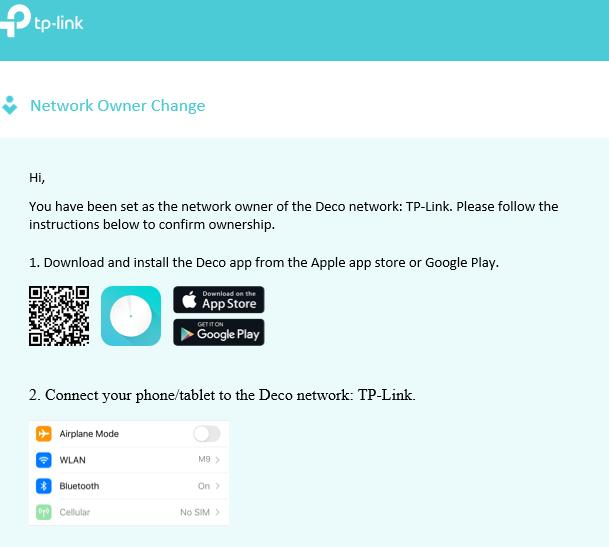
Make sure it is powered on and connected. - Connect to the router’s Wi-Fi
Use your phone, tablet, or computer. - Locate the QR code
This is found on the side of the Deco router box. - Download the Deco app
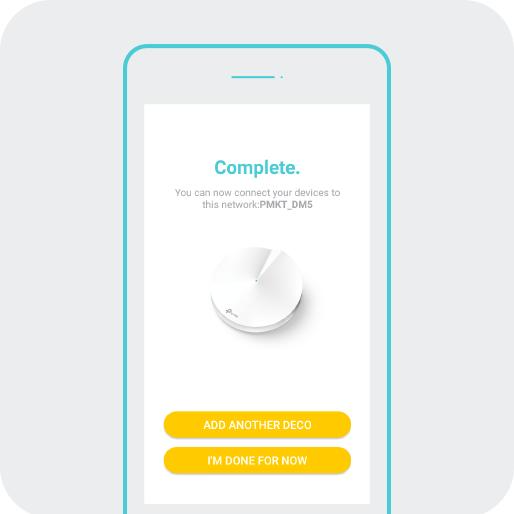
Scan the QR code and follow the setup instructions in the app. - Complete setup in the app
You will create your Wi-Fi network name and password. - Finish setup
Once complete, your internet will be active.
Important Notes
- Do not enter a MAC address manually. The system will automatically detect your device during setup.
Quick Summary
- Personal router: use login.smartaira.net
- Smartaira Deco router: login.smartaira.net use the QR code and Deco app
Was this article helpful?
That’s Great!
Thank you for your feedback
Sorry! We couldn't be helpful
Thank you for your feedback
Feedback sent
We appreciate your effort and will try to fix the article